
CI/CD with GitHub Actions: Automate Your Testing, Building, and Deployment
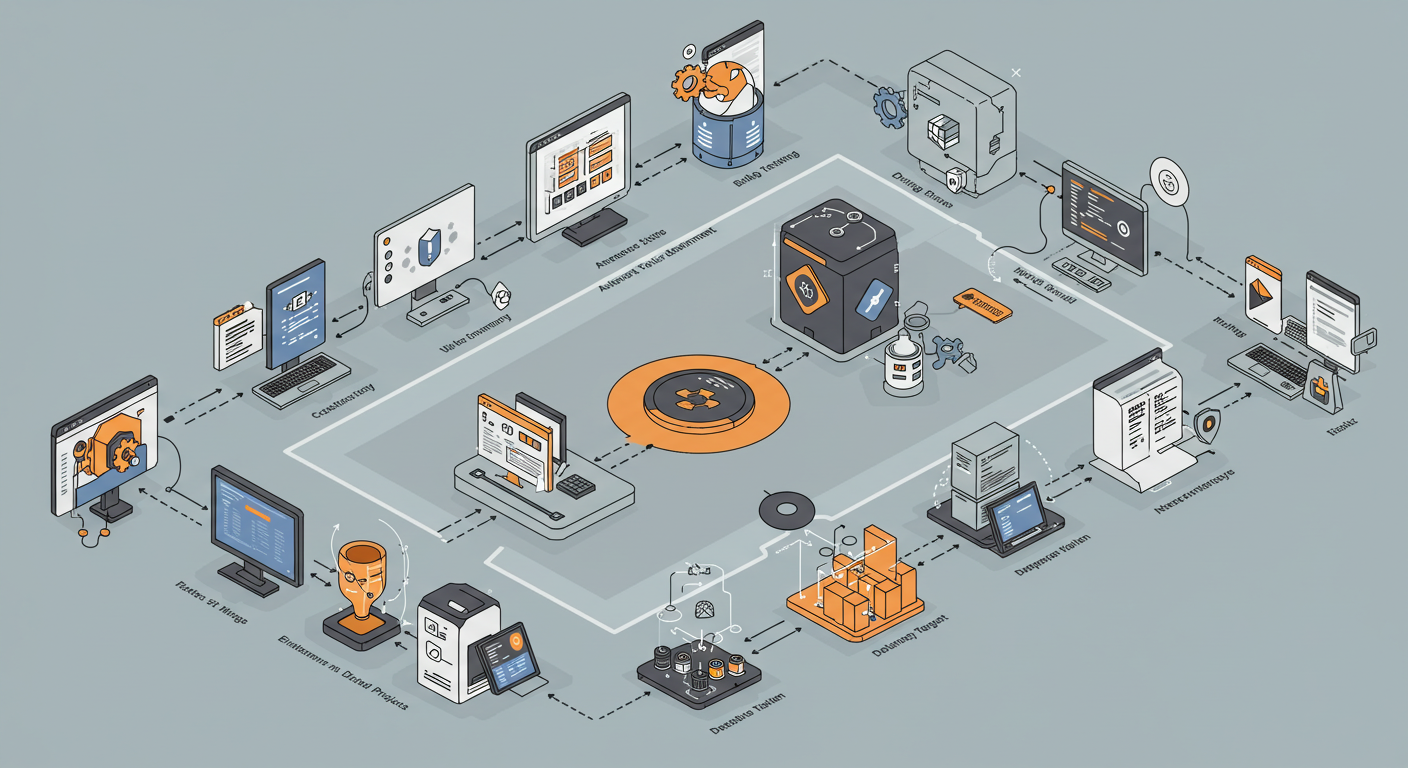
The end of manual deployments and the 'it worked on my machine' excuse is here. In this comprehensive guide, learn how to automatically test, build, and deploy your project by creating a CI/CD pipeline from scratch using GitHub Actions.
Introduction: The End of the 'It Worked on My Machine' Myth
One of the most frustrating moments in the software development cycle is when the code you've spent days on doesn't work on your teammate's machine or, even worse, on the server. Different environments, missing dependencies, and manual deployment errors... In the midst of this chaos, CI/CD (Continuous Integration / Continuous Deployment) shines like a savior. And GitHub Actions, offered right within GitHub, makes this process incredibly simple and accessible.
This guide will take you from the dark alleys of manual deployments and uncertainty to a bright world where your code is automatically tested, built, and made ready for deployment with every single commit. Fasten your seatbelts, we're embarking on an automation journey!
1. Code & Push
Developer writes and pushes the code.
git push
2. GitHub Actions
CI/CD workflow is triggered and runs the steps.
3. Live Application
Application is successfully live on the server.
✓ Success
Part 1: Clarifying the Concepts - What are CI/CD and GitHub Actions?
- Continuous Integration (CI): The practice where developers frequently merge their code changes into a central repository. Each merge is verified by an automated build and test process. The goal is to detect integration errors early.
- Continuous Deployment/Delivery (CD): The automatic deployment of code changes that successfully pass the CI process to a testing or production environment. Continuous Delivery means the deployment can be done manually with the push of a button, while Continuous Deployment means it's fully automated.
- GitHub Actions: In short, it's an automation tool that allows you to run automated workflows in response to events in your GitHub repository (e.g., a commit, opening a pull request). These workflows are perfect for creating CI/CD pipelines.
Part 2: Writing Our First Workflow - The Power of YAML
GitHub Actions workflows are defined by YAML files in the .github/workflows/ directory of your repository. Let's create a CI pipeline for a simple Node.js project. This pipeline will install the project's dependencies and run tests on every new commit or pull request.
File: .github/workflows/ci.yml
name: Node.js CI

# Determines when this workflow will be triggered
on:
  push:
    branches: [ "main" ]
  pull_request:
    branches: [ "main" ]

# Defines the jobs to be run
jobs:
  build:
    # Specifies the virtual machine the job will run on
    runs-on: ubuntu-latest

    strategy:
      matrix:
        node-version: [18.x, 20.x] # Test on different Node.js versions

    # Defines the steps of the job
    steps:
    # Step 1: Clone the repository code to the virtual machine
    - name: Checkout repository
      uses: actions/checkout@v3

    # Step 2: Set up the specified Node.js version
    - name: Use Node.js ${{ matrix.node-version }}
      uses: actions/setup-node@v3
      with:
        node-version: ${{ matrix.node-version }}
        cache: 'npm' # Cache dependencies

    # Step 3: Install project dependencies
    - name: Install dependencies
      run: npm ci

    # Step 4: Run tests
    - name: Run tests
      run: npm test
The moment you add this file to your repository, GitHub Actions will start working its magic. You'll see this workflow running in the "Actions" tab with every 'push' or 'pull request'.
Part 3: Adding the CD Step - Automatically Deploying a React App
Our CI pipeline is working great. Now, let's add the CD step that automatically builds and deploys our project to a server (like Netlify or Vercel) whenever code is merged into the 'main' branch. Let's see how to do this using the Vercel CLI.
File: .github/workflows/deploy.yml
name: Deploy to Vercel

# Triggered only on push to the 'main' branch
on:
  push:
    branches: [ "main" ]

jobs:
  deploy:
    runs-on: ubuntu-latest
    steps:
      - name: Checkout repository
        uses: actions/checkout@v3

      - name: Use Node.js
        uses: actions/setup-node@v3
        with:
          node-version: '20.x'
          cache: 'npm'

      - name: Install dependencies
        run: npm ci

      - name: Build project
        run: npm run build

      # Deployment step to Vercel
      - name: Deploy to Vercel
        run: npx vercel --prod --token=${{ secrets.VERCEL_TOKEN }}
        env:
          VERCEL_ORG_ID: ${{ secrets.VERCEL_ORG_ID }}
          VERCEL_PROJECT_ID: ${{ secrets.VERCEL_PROJECT_ID }}
Where Are the Secrets Stored?
You might have noticed an expression like ${{ secrets.VERCEL_TOKEN }} in the code above. You should never write sensitive information like API tokens directly into the YAML file. Instead, you can securely store this information by going to your GitHub repository's "Settings > Secrets and variables > Actions" section. GitHub Actions makes these 'secrets' securely available when your workflow runs.
Part 4: Common Mistakes and Best Practices
- Leaking Secrets in Logs: If you try to print a 'secret' directly with a command like
echo, GitHub will try to mask it in the logs, but this is not always guaranteed. Use secrets only in the parameters of relevant CLI commands or actions. - Not Using Caching: Running
npm installevery time can take minutes, especially for large projects. Significantly speed up your workflows by caching your dependencies with actions likeactions/setup-nodeoractions/cache. - A Single Giant Job File: Instead of combining different tasks like CI, CD, and Linting into one massive YAML file, separate each into its own logical file (
ci.yml,deploy.yml). This makes management easier. - Not Setting Roles and Permissions: Especially in open-source projects, you don't want every pull request to have access to secrets that can deploy to production. Set different permission levels for different workflows and use potentially dangerous triggers like
pull_request_targetwith caution.
Conclusion: Automation is a Culture, Not Just a Tool
Setting up a CI/CD pipeline with GitHub Actions might seem complex at first. But once you set it up, it brings incredible speed, security, and efficiency to you and your team. Errors decrease, code quality increases, and most importantly, the anxiety of "will this code work on the server?" disappears. Automation is not just about writing YAML files; it's about embracing the culture of building better, more reliable, and faster software.